PhotoClear Home

Category

Editing Tutorials

13 articles

Texture First: A Low-Light Plan for Dark Winter Coats

Texture First: A Low-Light Plan for Dark Winter Coats

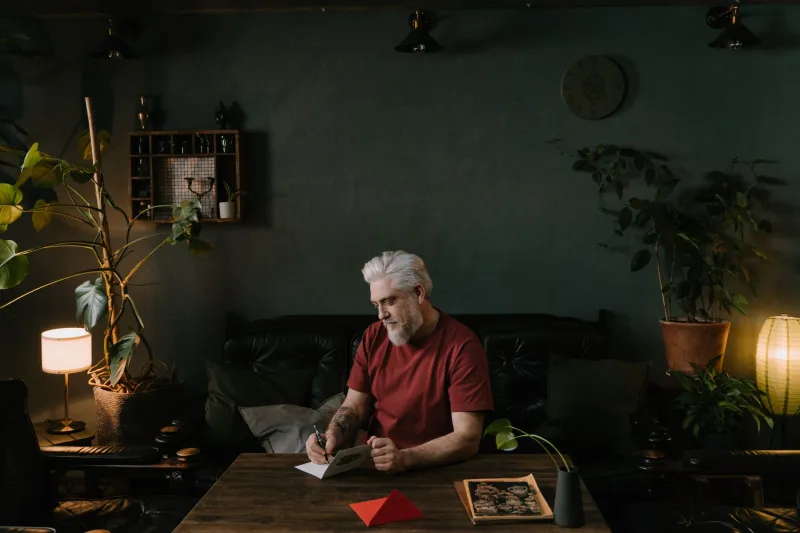
Dark wool, waxed cotton and waterproof shells can turn into flat black shapes under British winter light. This is a calm capture-and-edit workflow that keeps fabric texture visible without grey-washing the coat or inventing fake HDR detail.

Puddles With Manners: Editing Wet UK High Streets Without the Gloss

Puddles With Manners: Editing Wet UK High Streets Without the Gloss

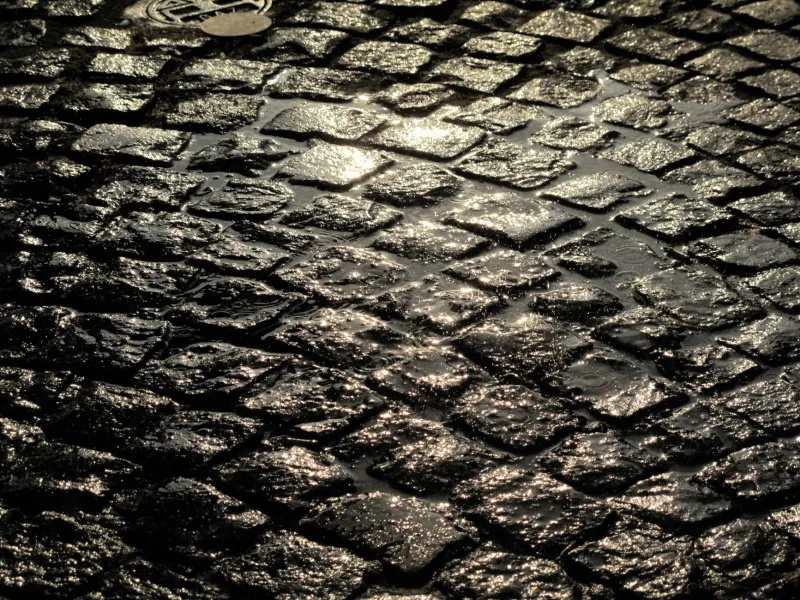
Rain turns a ordinary high street into a light show, but the obvious edit turns it into a tatty postcard. Here’s a calmer approach to exposure, colour casts and wet-stone contrast that keeps the scene believable — even when the pavements are doing half the work.

Smoke, Sparks and Skin Tones: A Fair Edit for Bonfire-Night Photos

Smoke, Sparks and Skin Tones: A Fair Edit for Bonfire-Night Photos

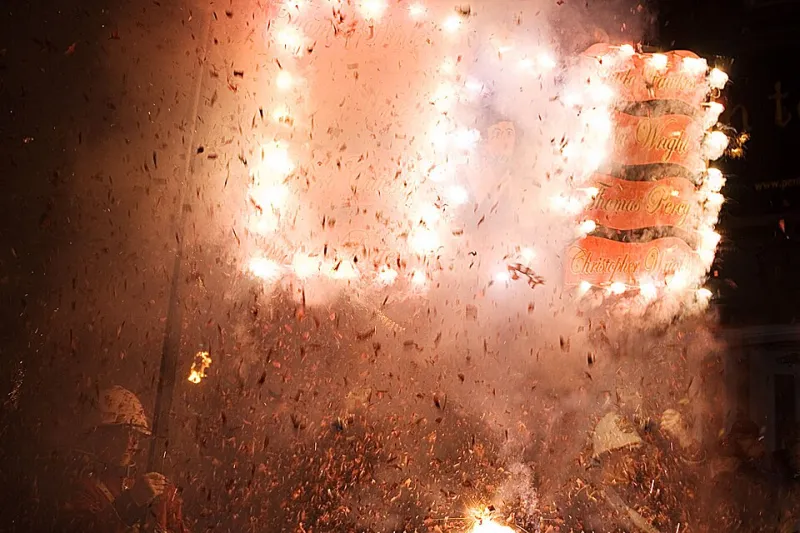
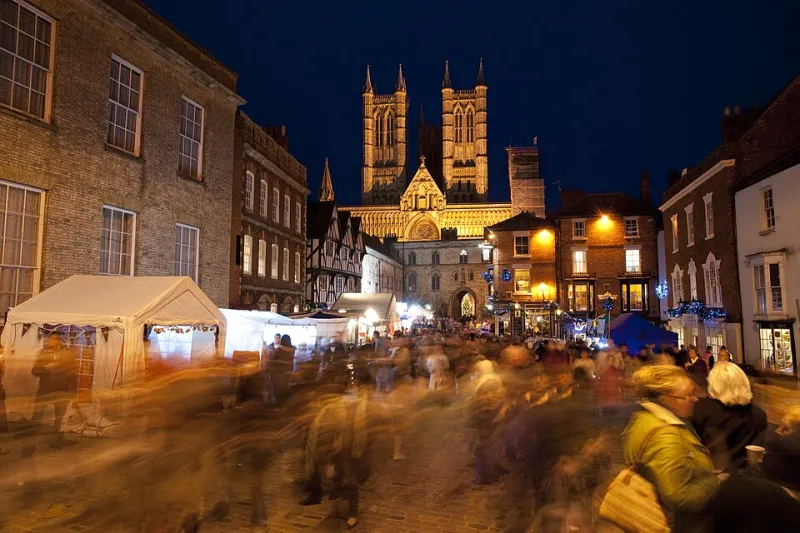
Community bonfire photos are a tangle of smoke, sodium floodlights and firelight — which is why so many edits end up either radioactive orange or flat grey. Here is a repeatable correction order that calms the haze and rescues faces while keeping the spark of the night.

Glass, Smudges and Grey Skies: Rescuing Photos Shot Through Shop Windows

Glass, Smudges and Grey Skies: Rescuing Photos Shot Through Shop Windows

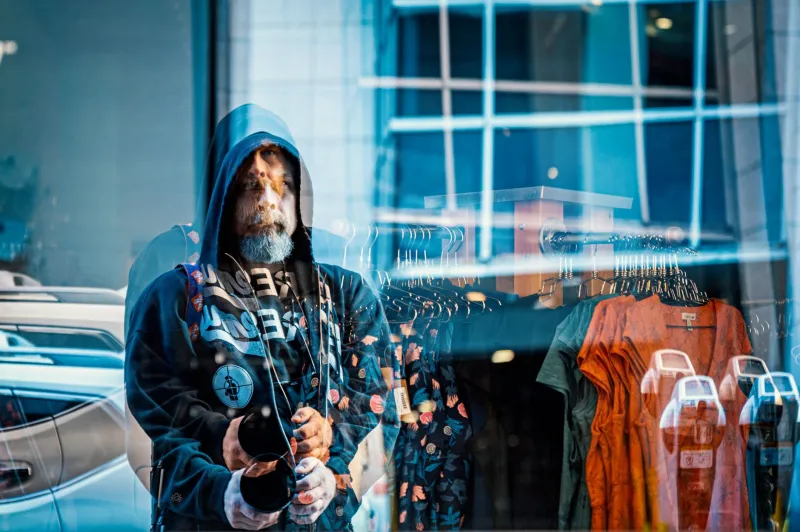
Shooting through glazed shopfronts can leave you with flat, milky images that look more like a fog warning than a product shot. Here’s how to defend against reflections on location and then edit your way back to clarity in Lightroom or Photoshop — without losing the honest character of the glass.